Ideas That Power Digital Growth
Stay ahead with actionable insights, expert opinions, and practical guides covering ecommerce trends, platform updates, automation, AI, and real-world solutions to help businesses grow and scale digitally.
Transform any product into an exciting auction with countdown timers, live bidding, automatic winner selection, and instant notifications.
Ecartify: LiveAuction Pro Addon
Transform your CS-Cart store into a dynamic auction platform with the LiveAuction Pro Addon. This powerful extension lets you convert any product into an auction item with real-time bidding, countdown timers, automatic winner determination, and seamless order processing. Create excitement and urgency that drives customer engagement and increases sales with competitive bidding on your products.
Key Features of LiveAuction Pro Addon
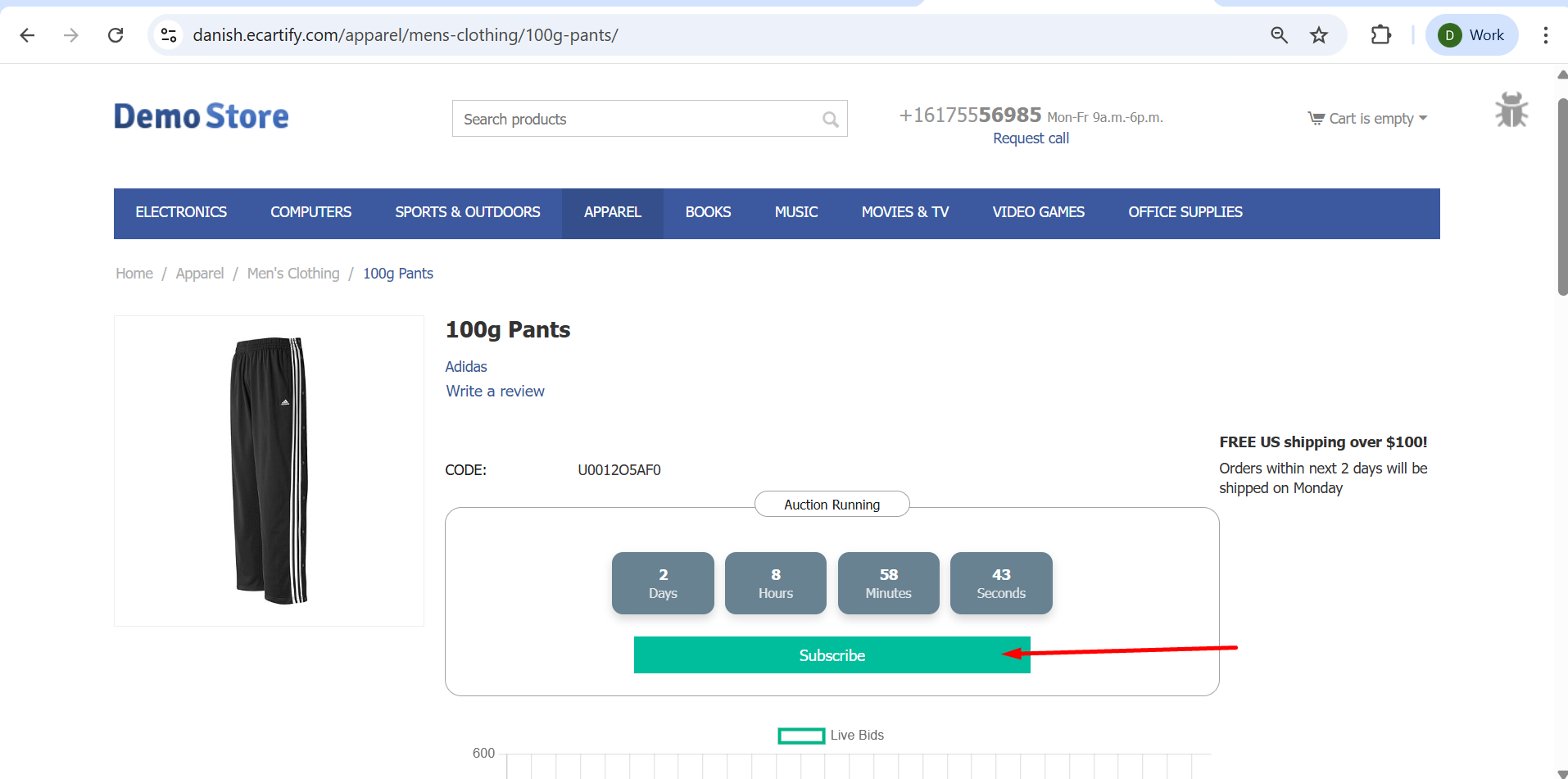
Real-Time Countdown Timer: Display dynamic countdown showing days, hours, minutes, and seconds until auction ends.
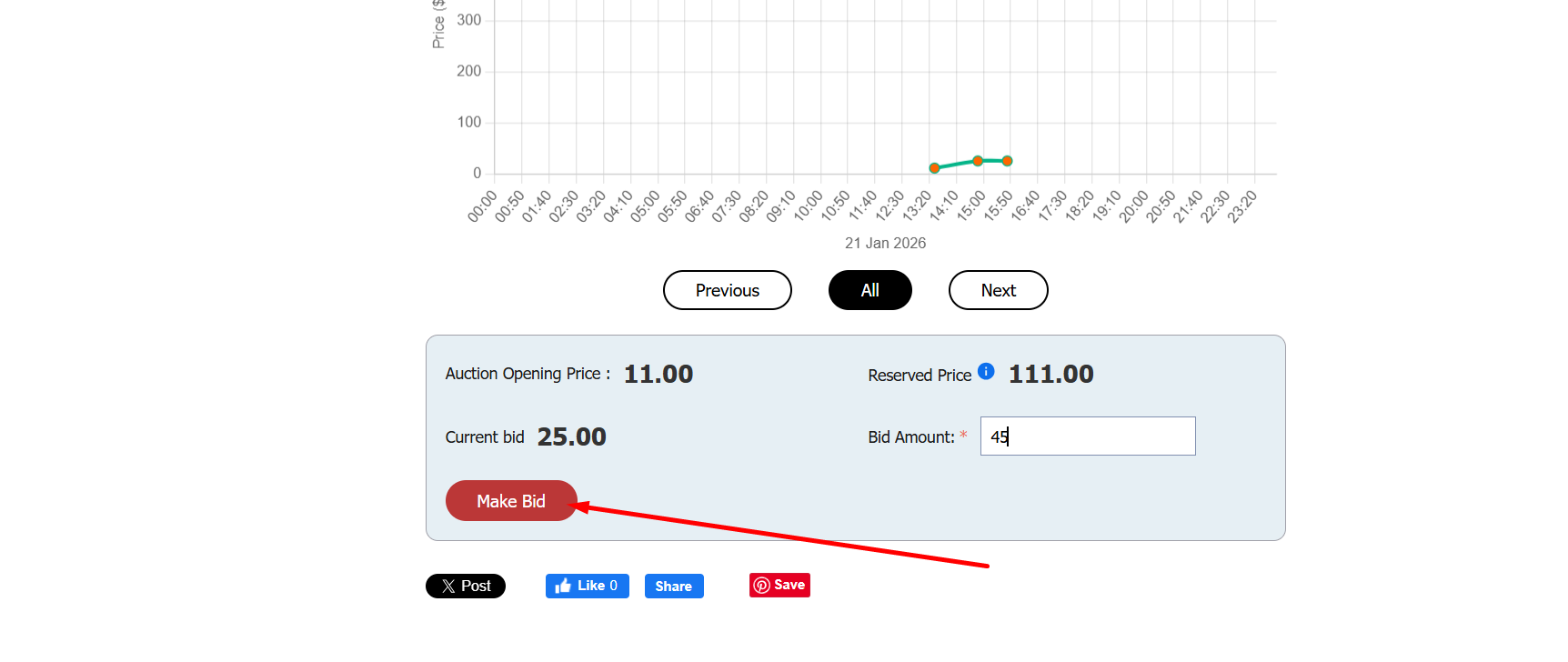
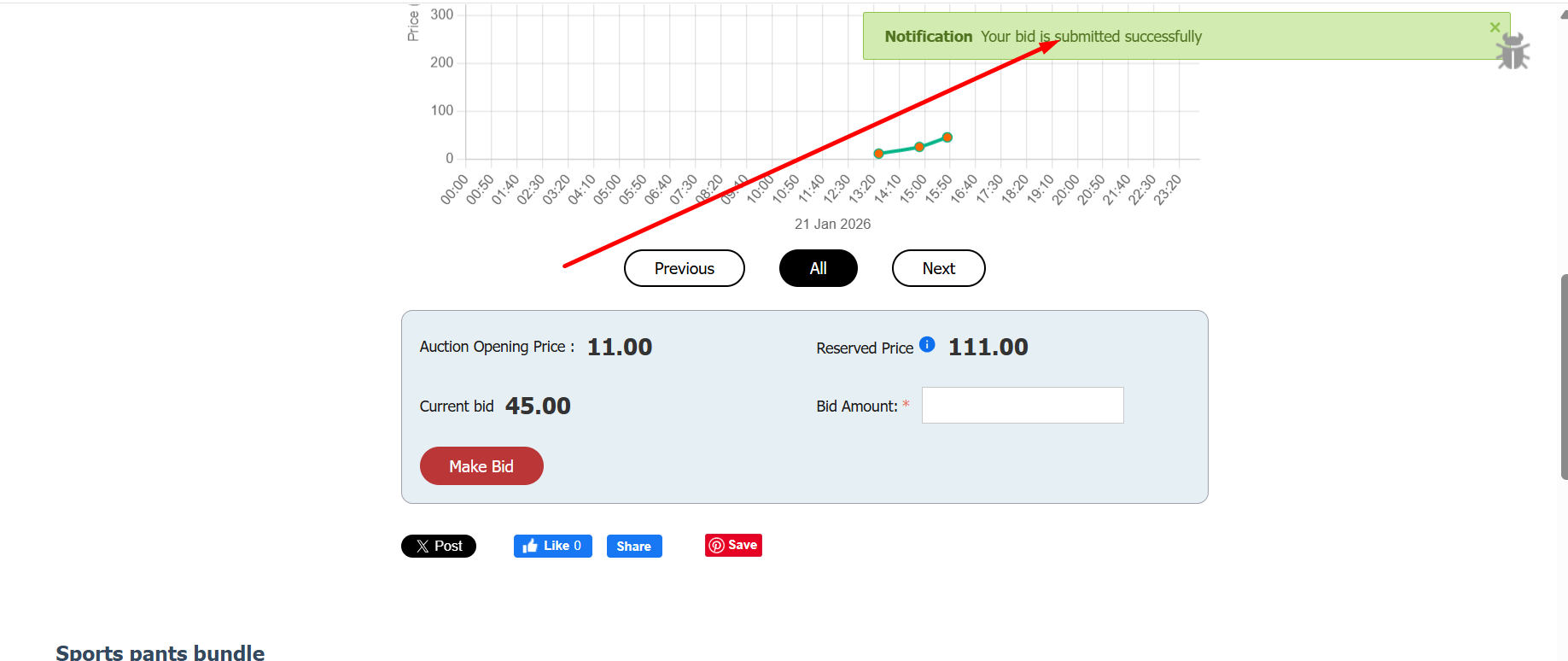
Live Bidding System: Customers place bids in real-time with instant validation and confirmation notifications.
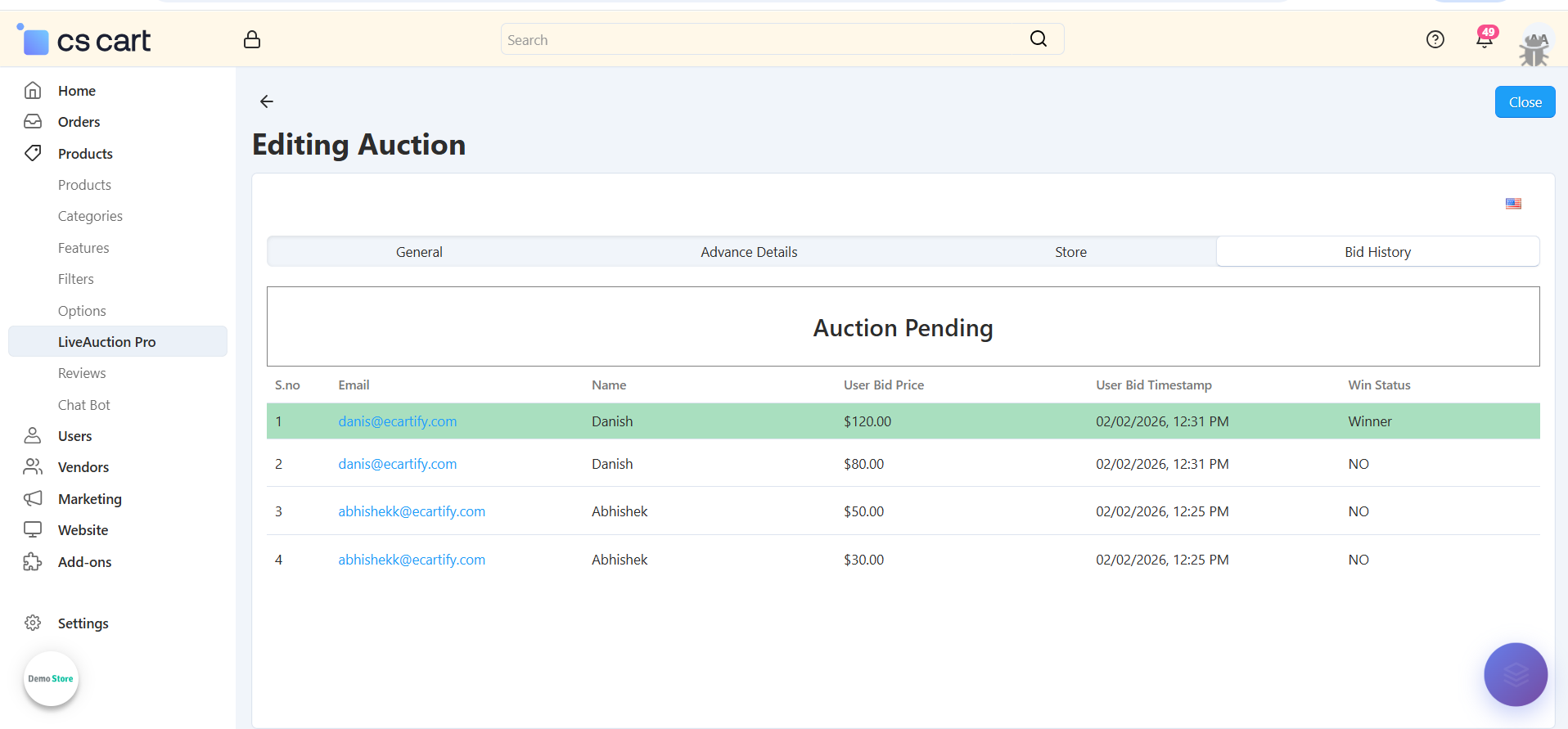
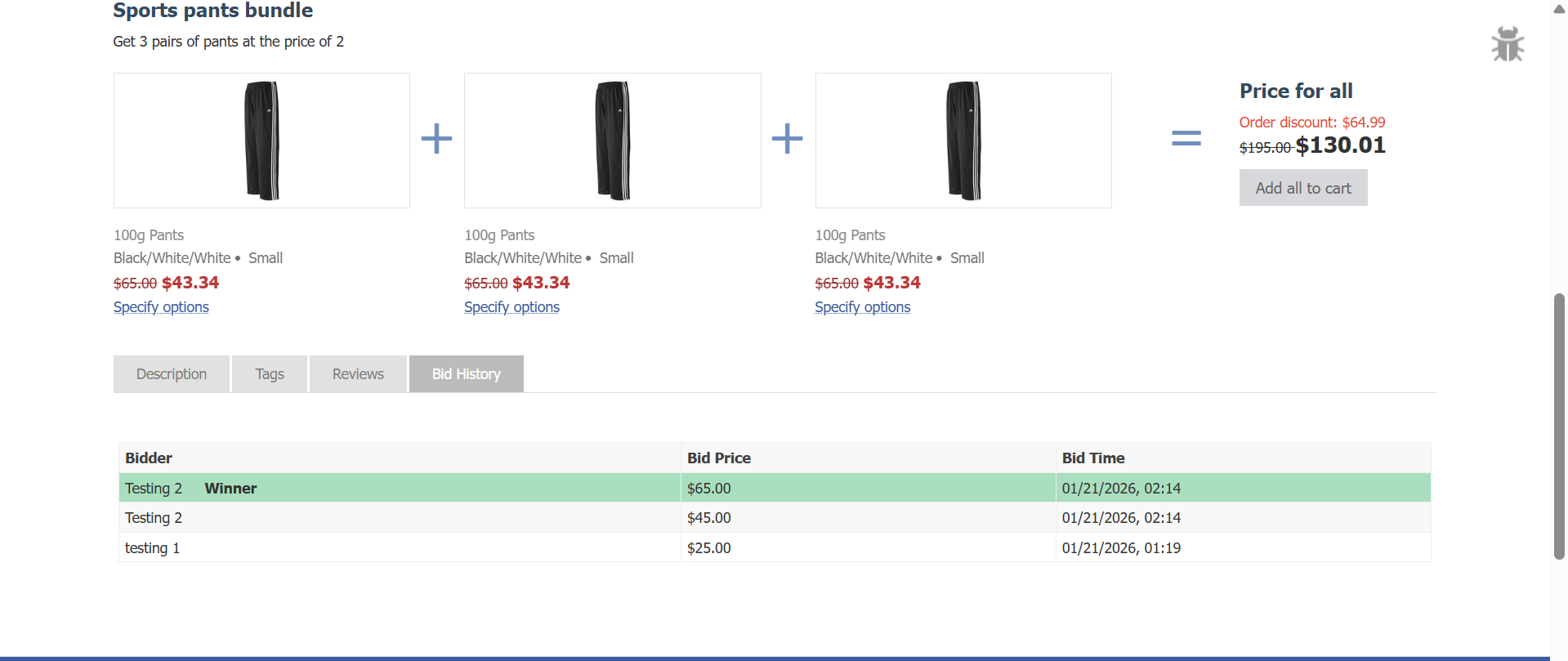
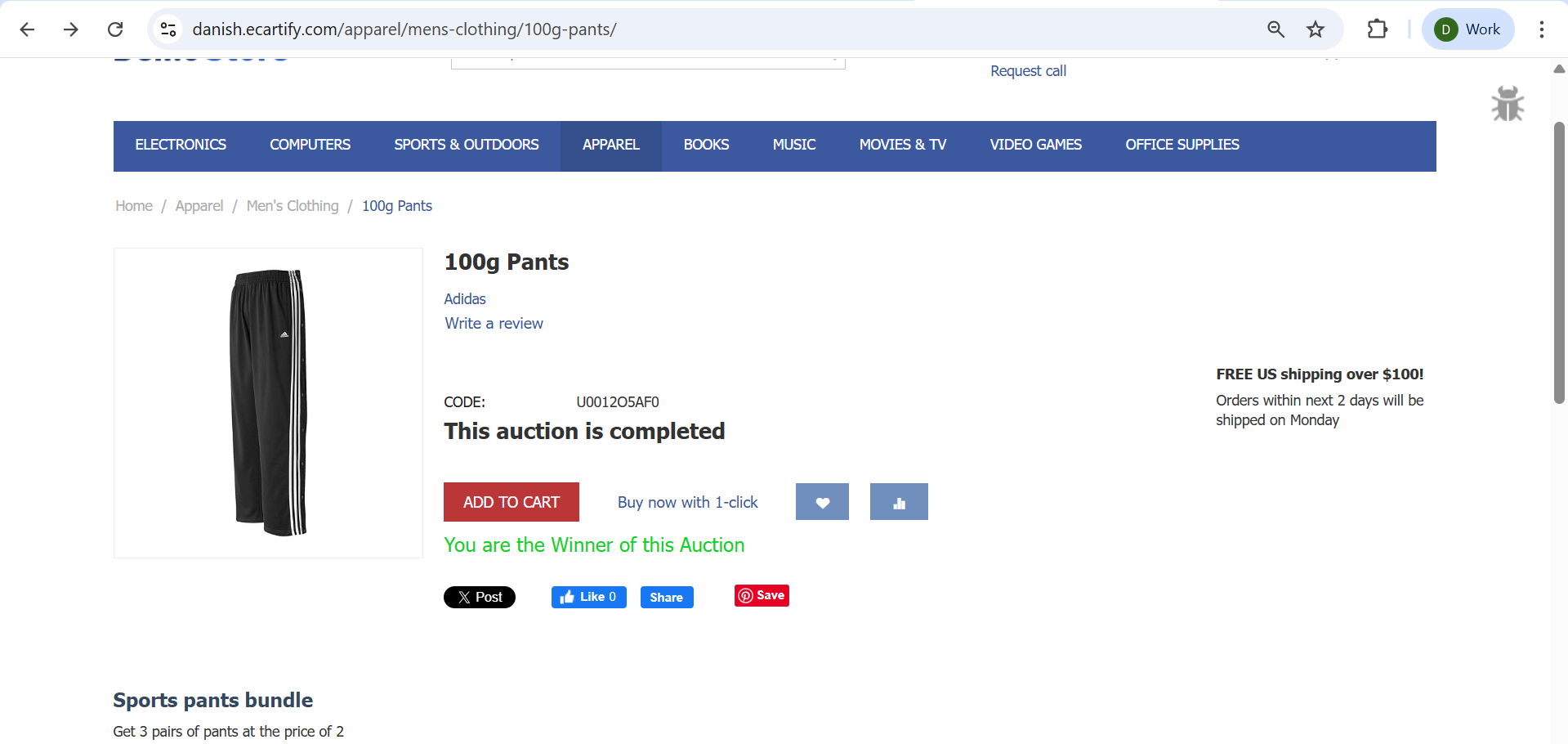
Automatic Winner Selection: System automatically determines and notifies the highest bidder when auction closes.
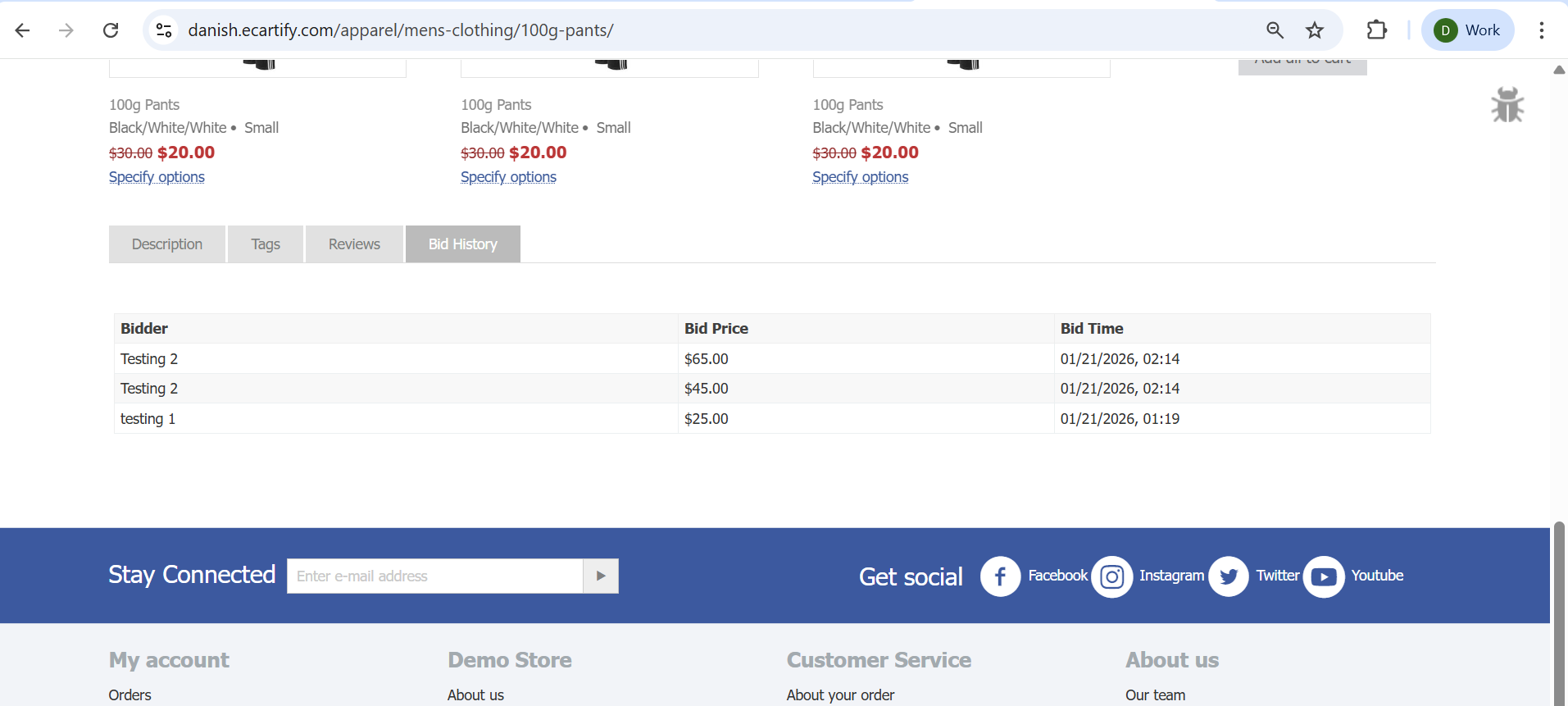
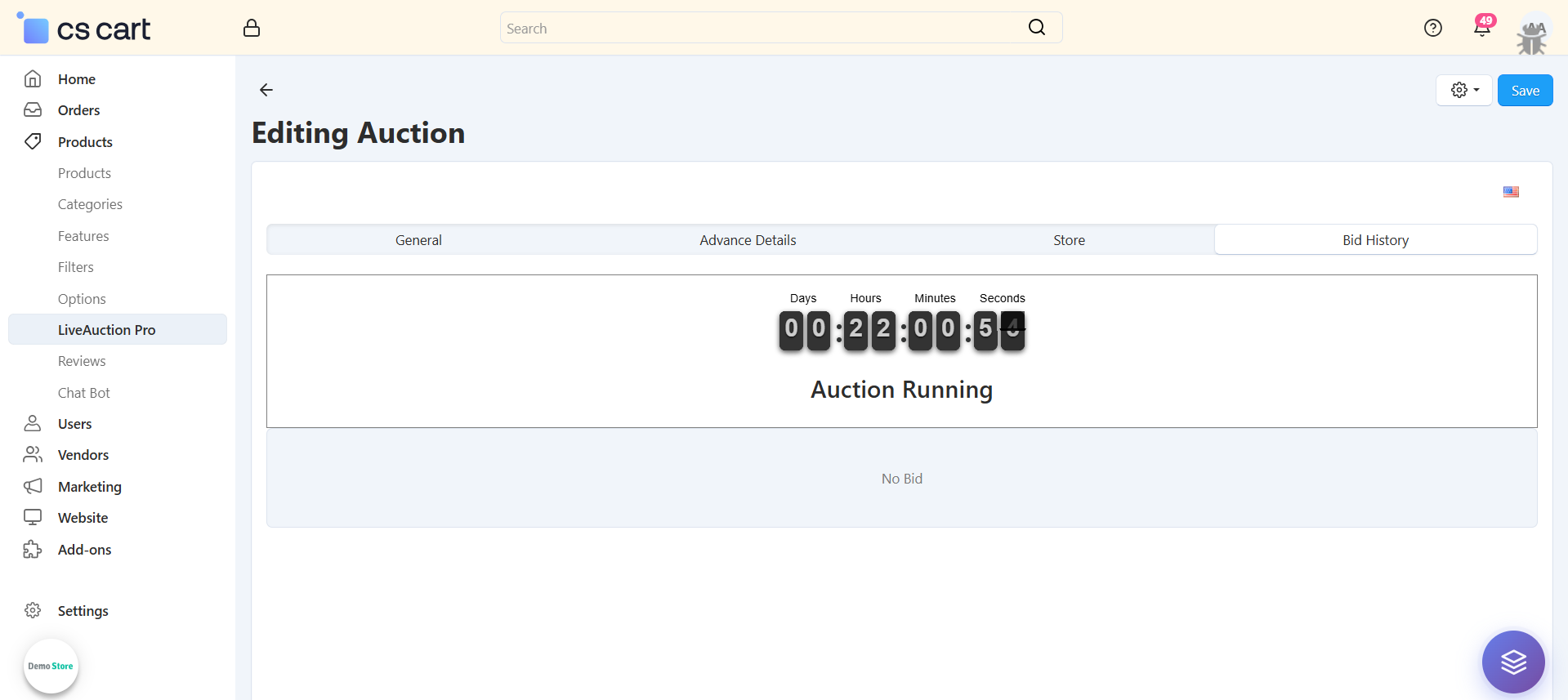
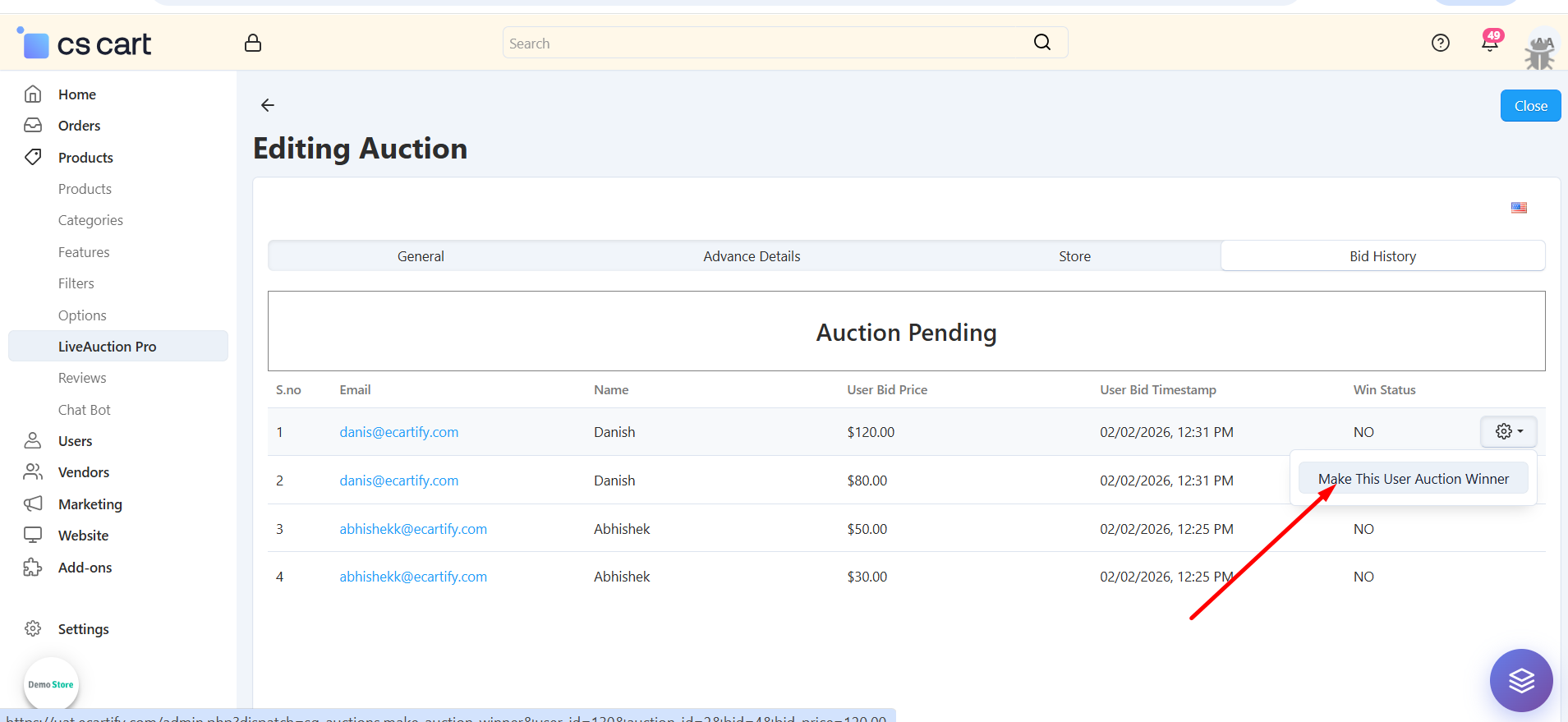
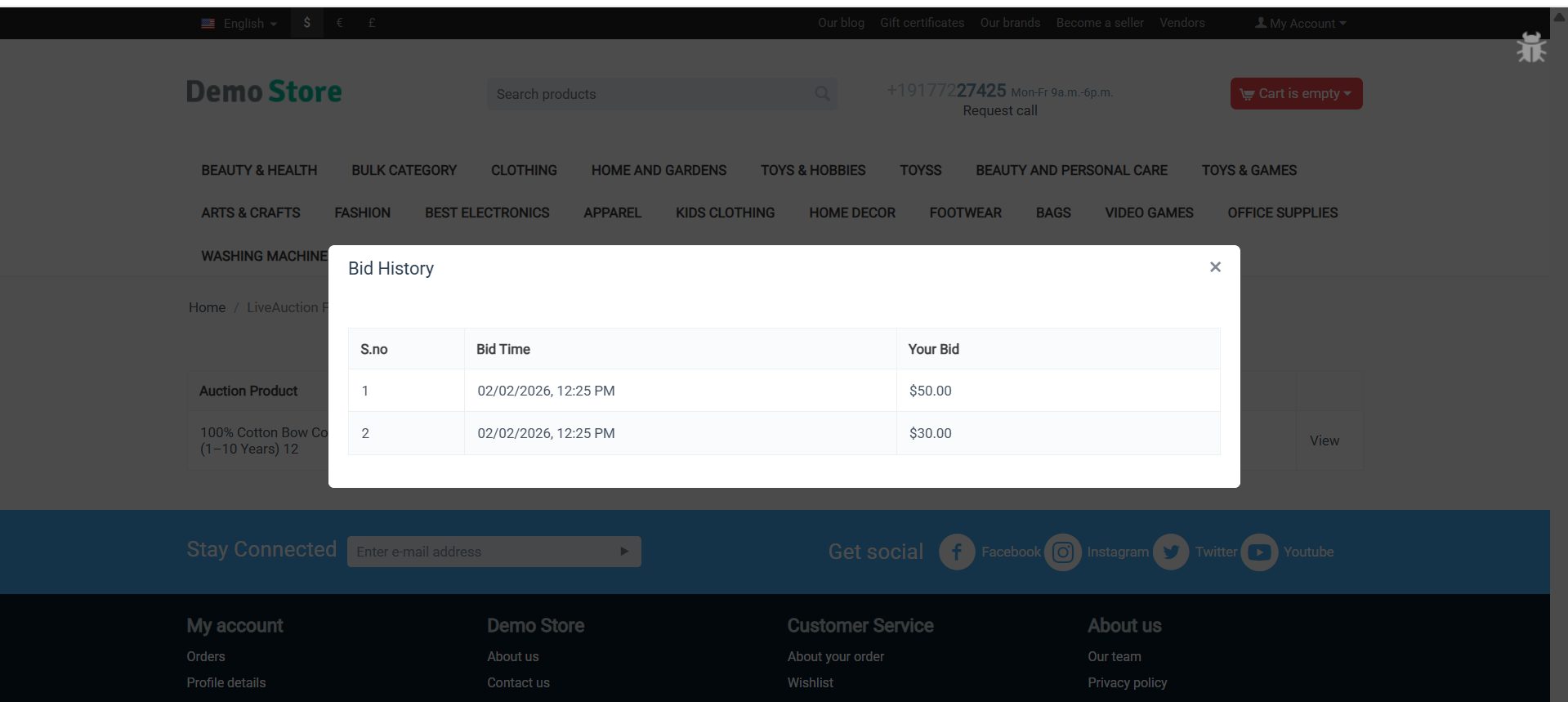
Bid History Tracking: Complete audit trail showing all bids, bidders, timestamps, and bid amounts.
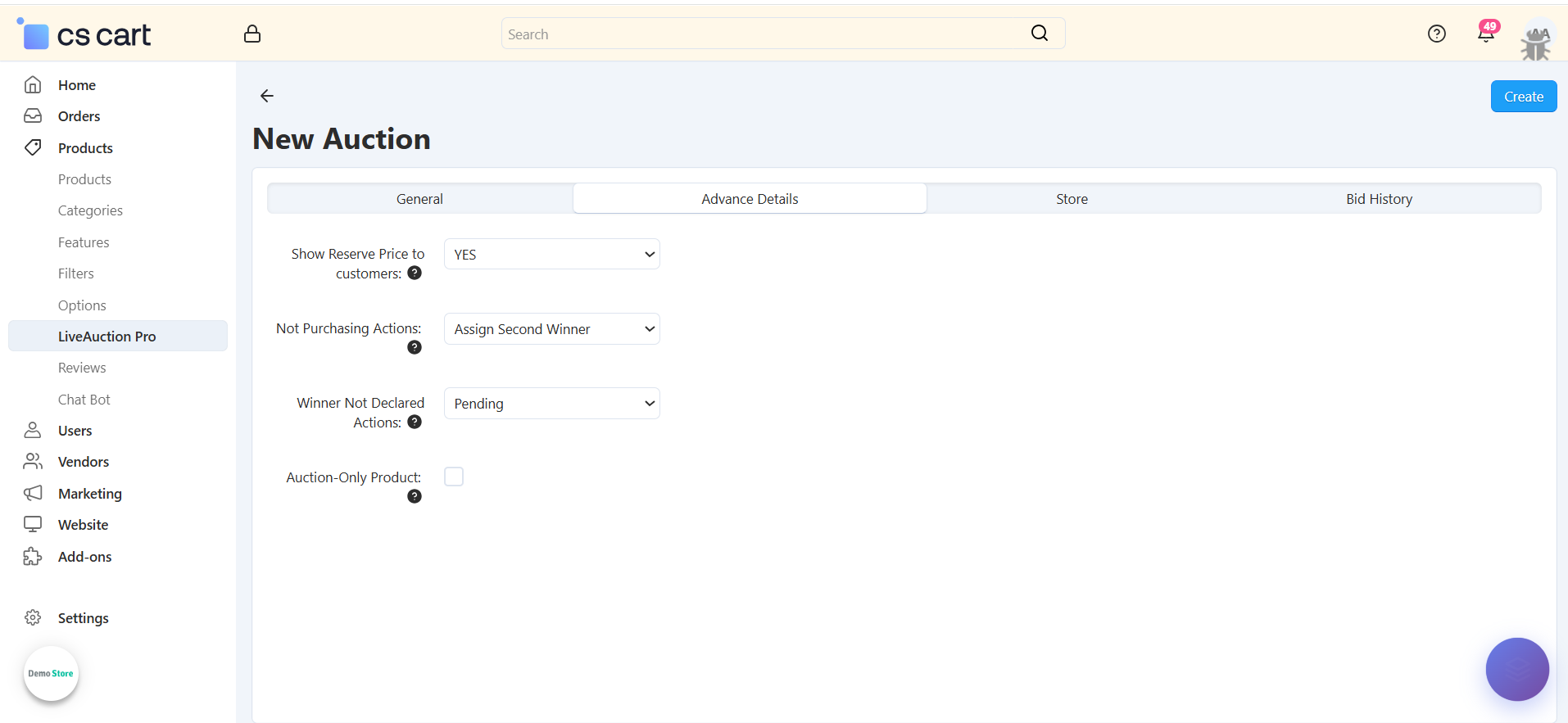
Reserved Price Protection: Set minimum reserve prices to protect your inventory value and profitability.
Opening Bid Configuration: Define starting bid amounts to control auction starting points.
Flexible Auction Scheduling: Set precise start and end dates/times for each auction campaign.
Multi-Auction Management: Run multiple concurrent auctions across your product catalog simultaneously.
Auction Status Tracking: Monitor auction states: Pending, Running, or Completed with visual indicators.
Bid Subscription System: Customers subscribe to receive notifications about auction progress and results.
Admin Winner Override: Manually select auction winners when needed for special circumstances.
Step-by-Step Setup Guide
Step 1: Install the LiveAuction Pro Addon
Installing the Ecartify: LiveAuction Pro addon takes just minutes:
Download the addon from CS-Cart marketplace or Ecartify website
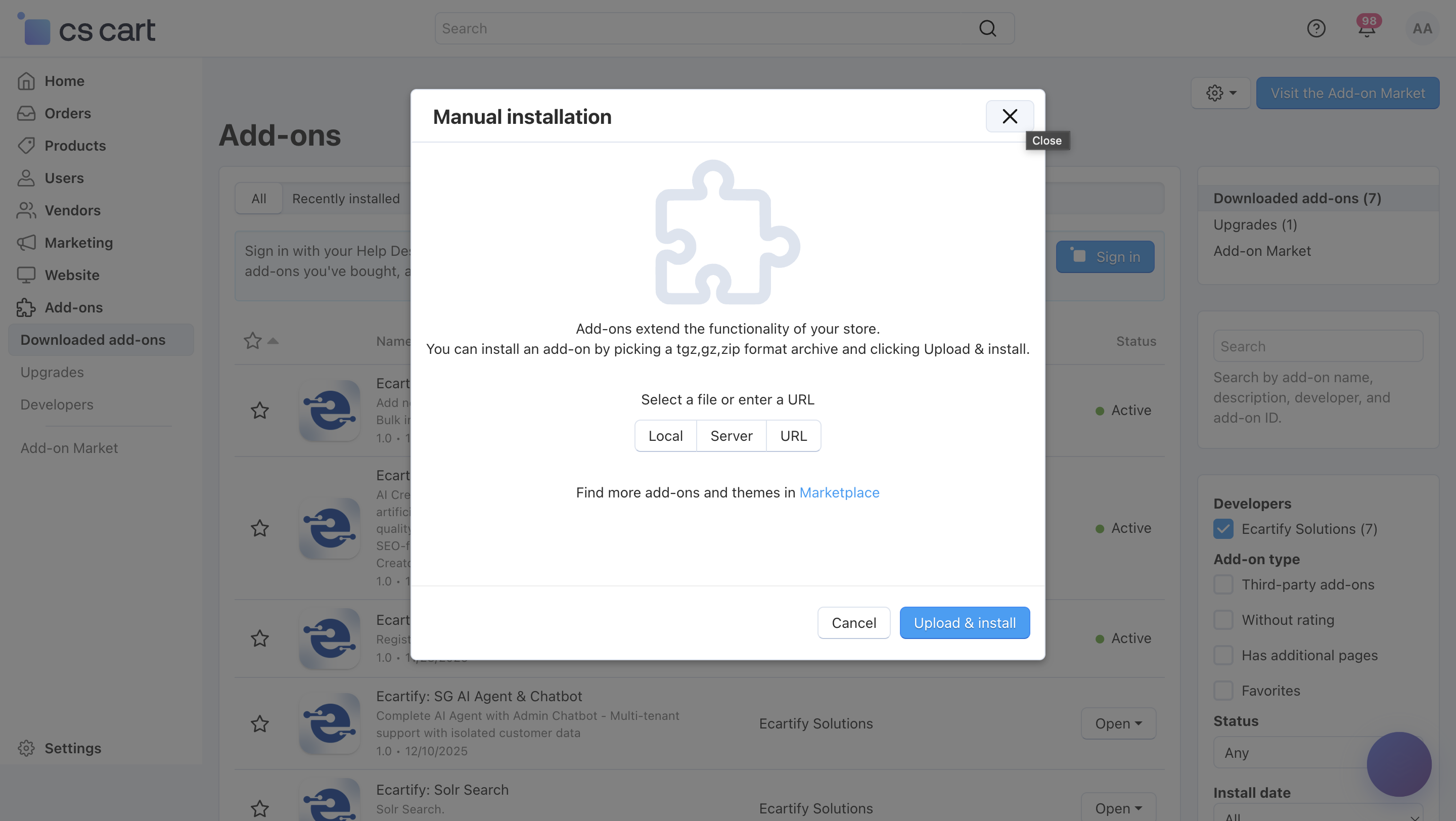
Login to your CS-Cart admin panel and navigate to Add-ons
Upload and install "Ecartify: LiveAuction Pro"
Activate the addon from the add-ons list
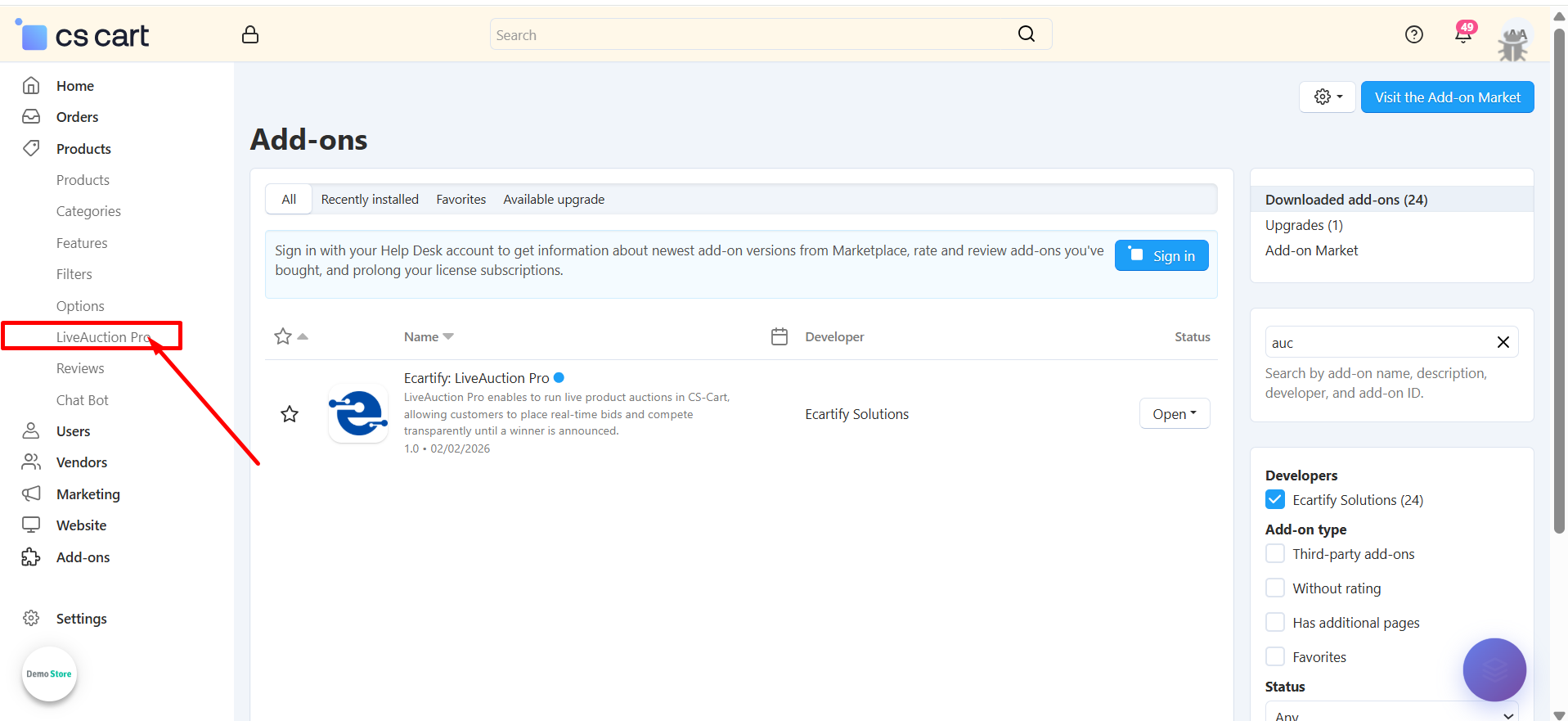
Once activated, you'll see a new "LiveAuction Pro" menu in your admin sidebar!
Step 2: Configure the Settings
After installing the add-on, navigate to the Add-ons → Manage addons section and open the LiveAuction Pro add-on settings page. Here, you can configure the general options that control how the Auction works across your store.:
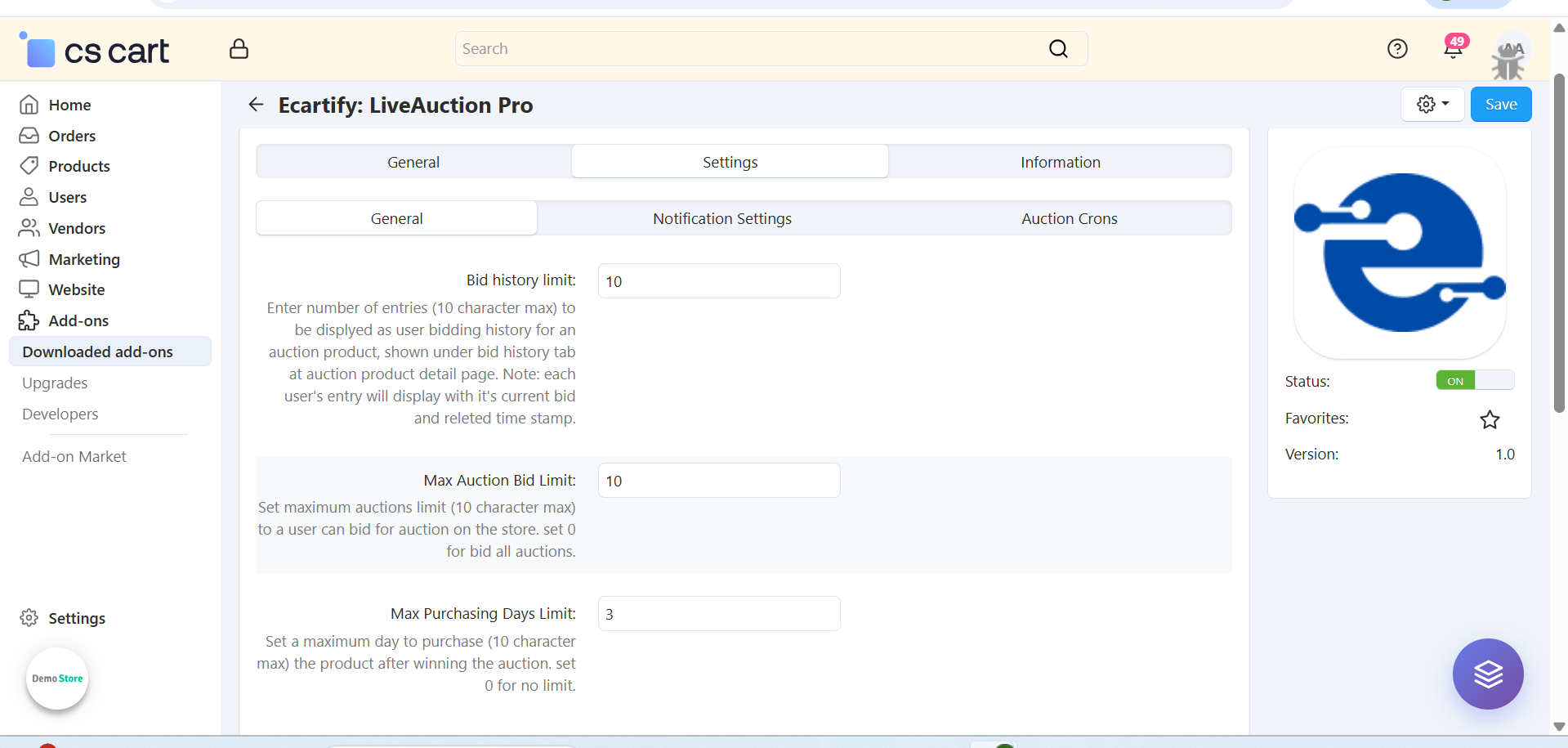
i) Input and select general setting:
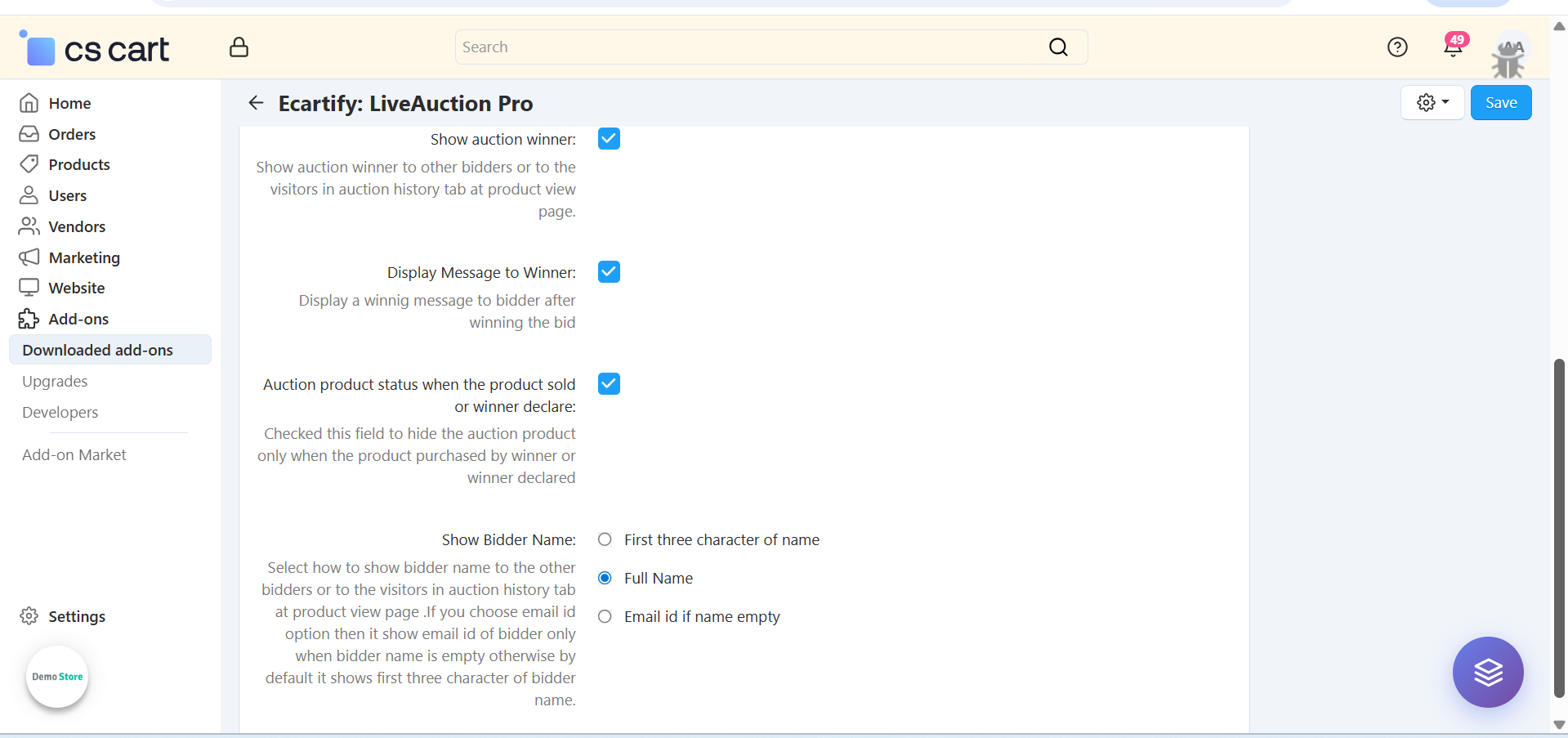
The General Settings section allows the admin to control core auction behavior and limits for customers. These options help manage bidding activity, ensure fairness, and keep the auction process smooth and organized.
Each setting includes a tooltip that provides a clear explanation of its purpose and how it works. Hover over the tooltip icon next to any setting to view detailed guidance and usage information.
Each setting includes a tooltip that provides a clear explanation of its purpose and how it works. Hover over the tooltip icon next to any setting to view detailed guidance and usage information..
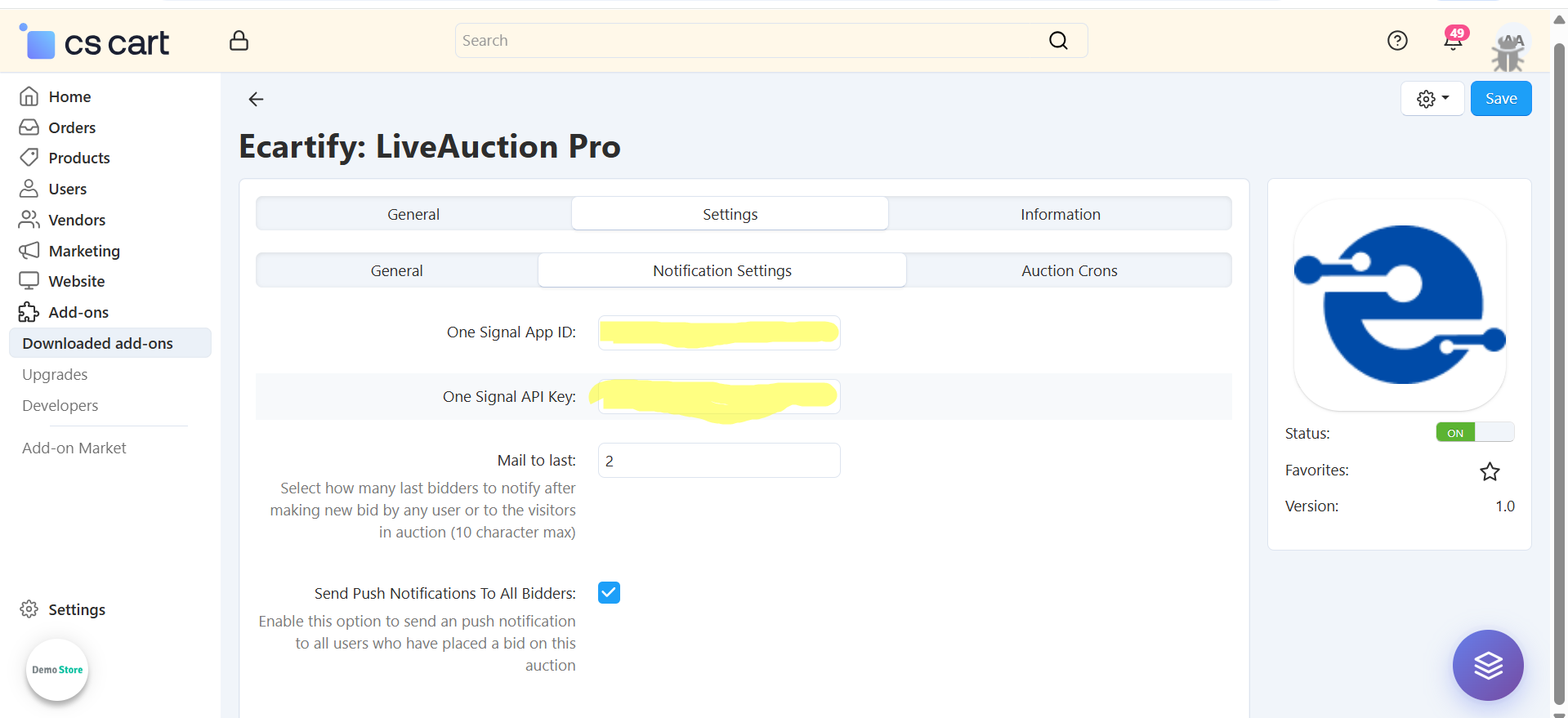
ii) Notifications settings :
-Enter your OneSignal App ID to enable push notifications for auction events. This allows real-time alerts to be sent to bidders when new bids are placed or auction status changes.
-Enable the options Send Email and Send Push Notifications to all users who have placed a bid on the auction. This helps re-engage bidders whenever a new bid is placed or important auction updates occur.
iii) Auction Cron job setting:
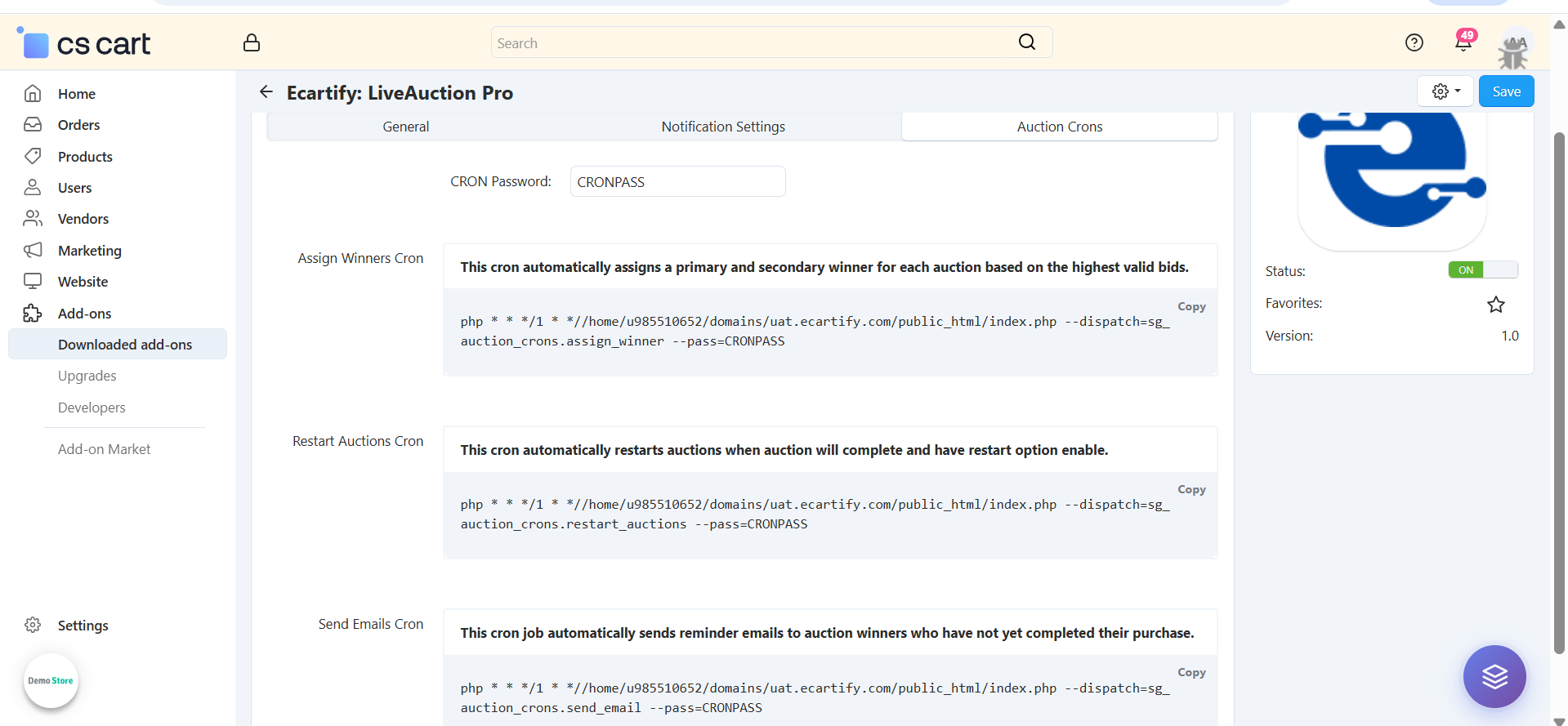
The Auction Crons section allows you to automate important auction processes using server cron jobs. These crons ensure that auctions run smoothly without manual intervention and that winners, restarts, and reminders are handled on time.
-Assign Winners Cron:
This cron job automatically assigns primary and secondary winners for each completed auction based on the highest valid bids.It ensures that winners are selected accurately and without manual effort.
-Restart Auctions Cron:
This cron automatically restarts auctions that have ended and have the restart option enabled.It is useful for recurring auctions or products that need continuous bidding.
-Send Emails Cron:
This cron job sends automatic reminder emails to auction winners who have not completed their purchase within the allowed time.It helps reduce abandoned wins and increases conversion rates.
All settings are now configured.
Step 3: Access LiveAuction Pro Management
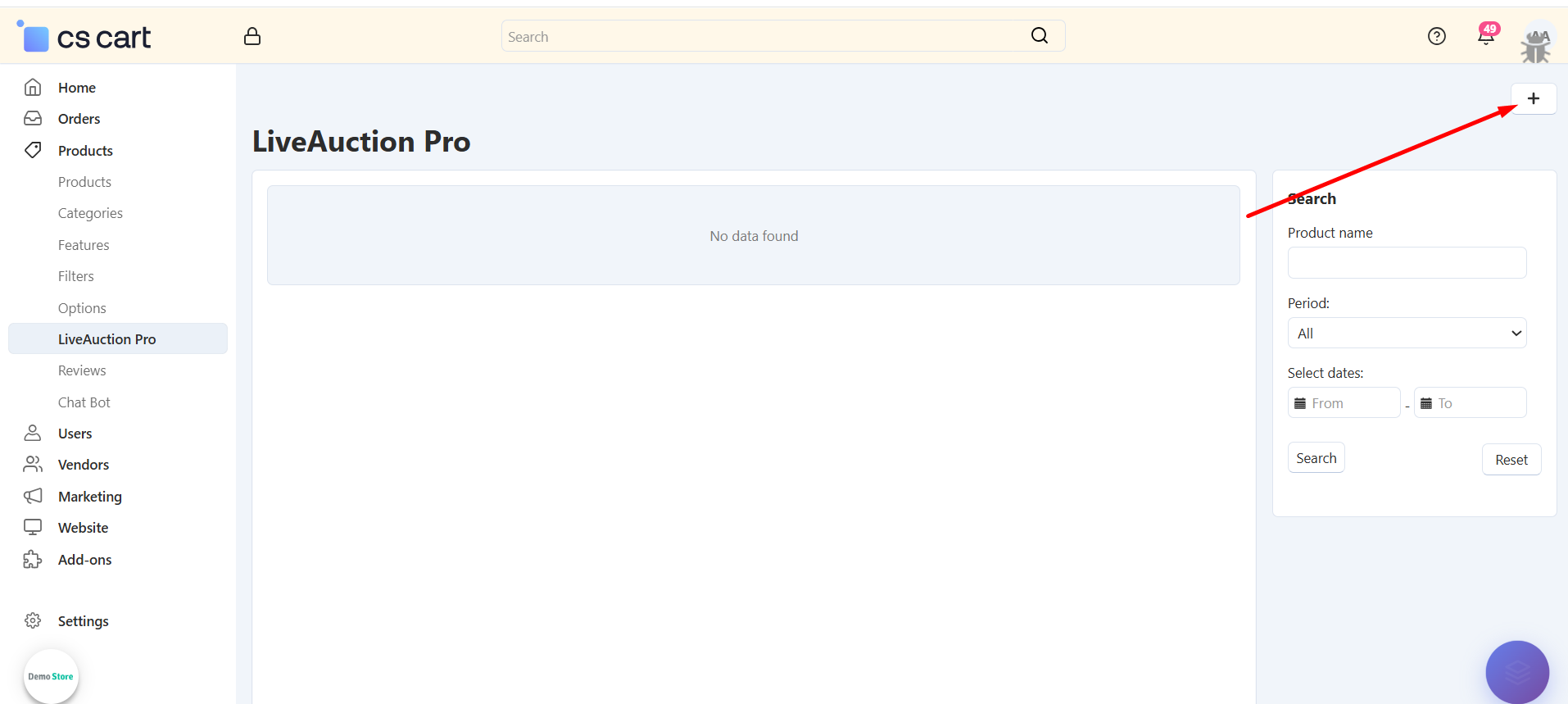
Navigate to the LiveAuction Pro management interface from your admin panel:
Find LiveAuction Pro Menu: Look for "LiveAuction pro" in the left sidebar navigation menu
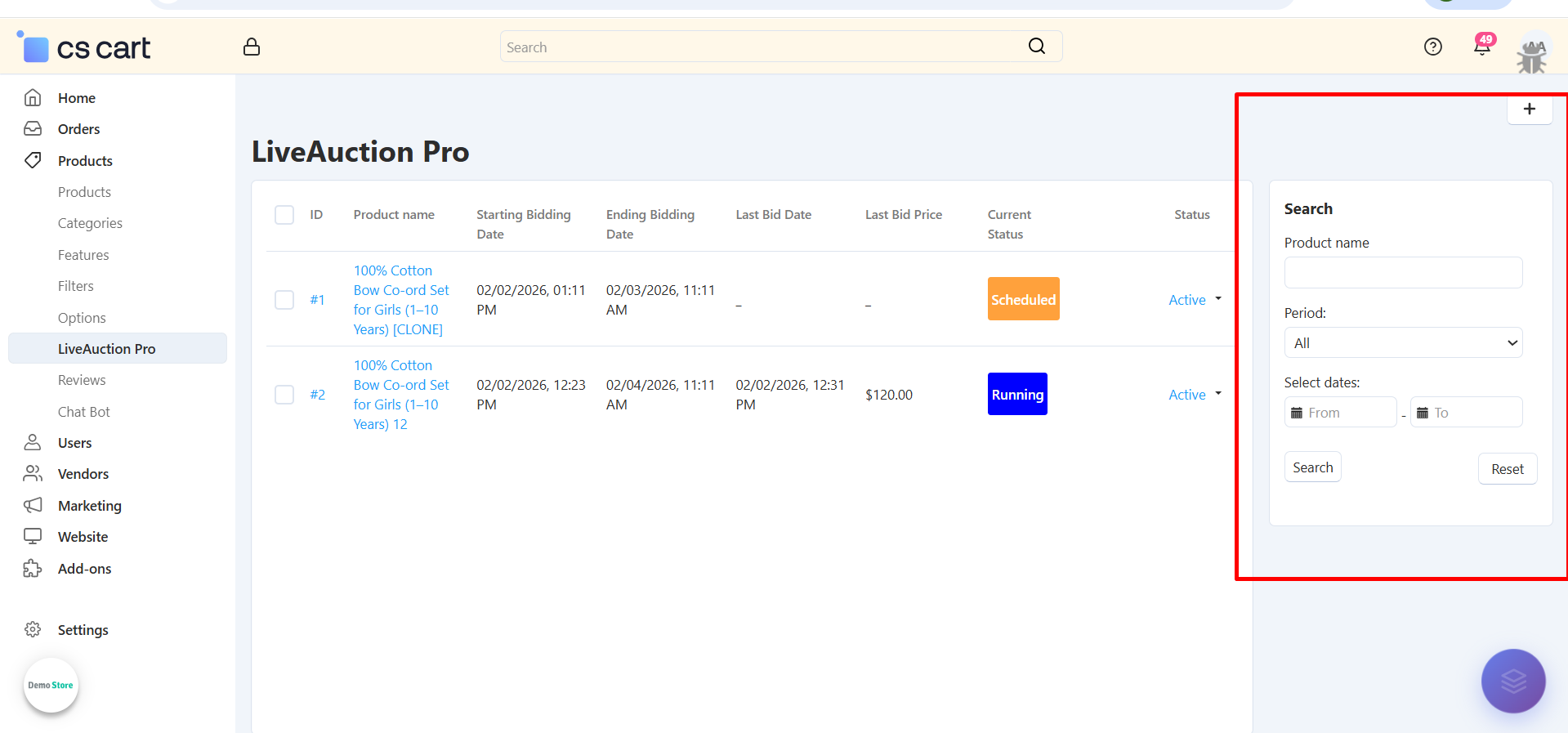
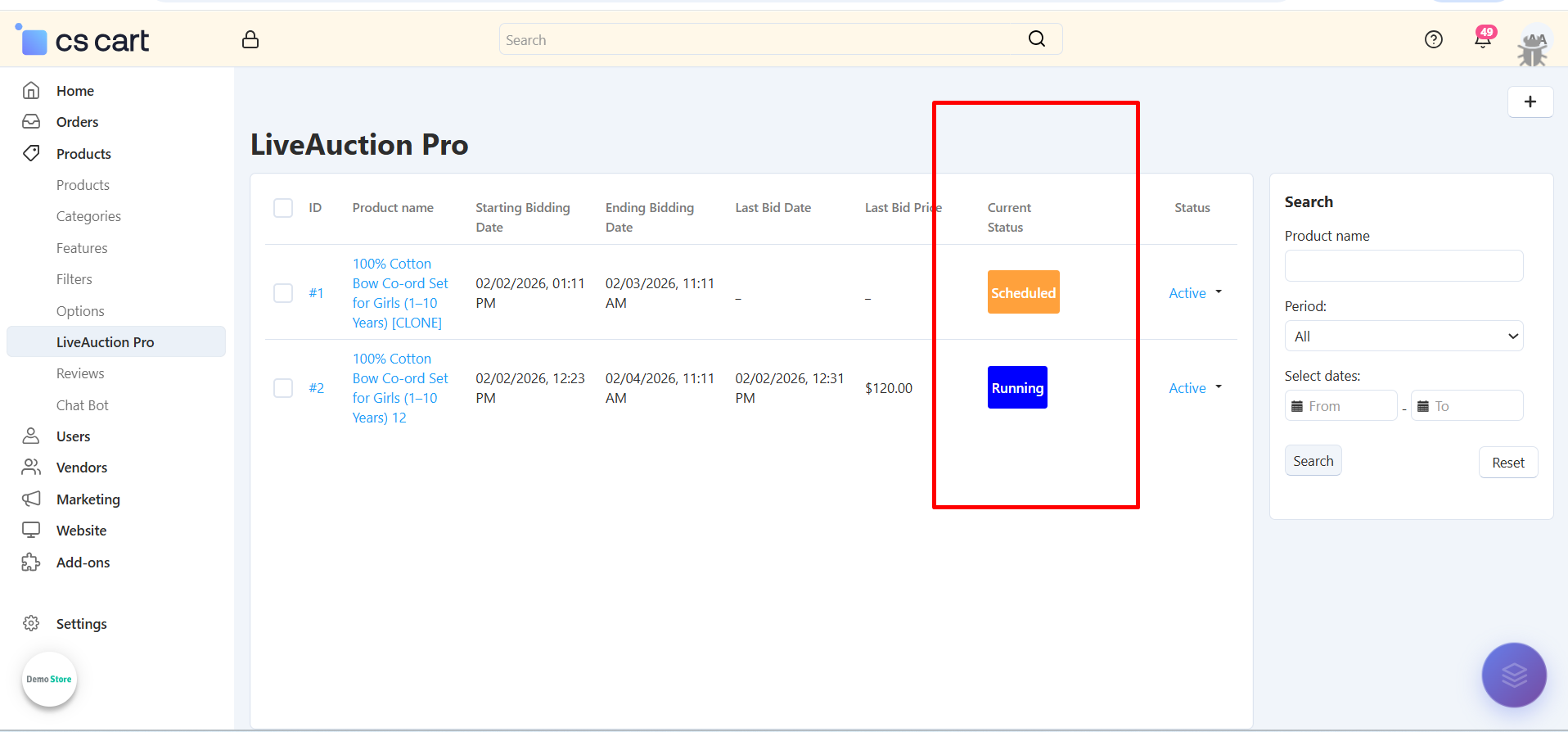
View All Auctions: See list of all created auctions with status, dates, and current bids
Filter & Search: Use search filters to find specific auctions by product name or date range
Status Overview: Quickly identify Running, Completed, and Pending auctions with color-coded badges
Step 3: Create Your First Auction
Set up a new auction for any product in your catalog:
Select Product: Choose any existing product from your catalog to convert into an auction
Set Start Date/Time: Define when the auction will begin accepting bids (e.g., 01/21/2026, 00:00)
Set End Date/Time: Specify when bidding closes and winner is determined (e.g., 01/23/2026, 11:11)
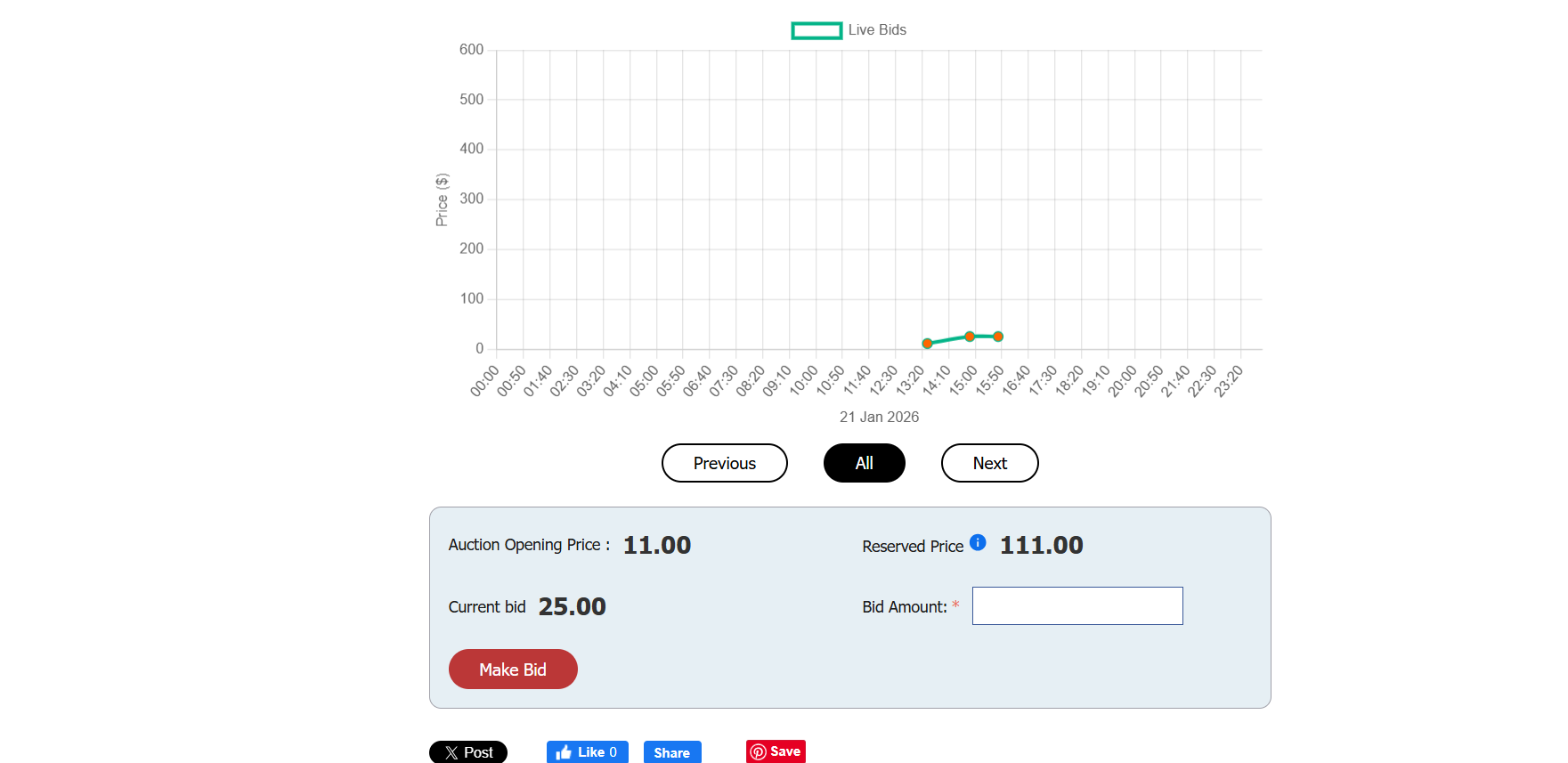
Configure Opening Bid: Set the starting bid amount (e.g., $11.00)
Your auction is now ready to accept bids when the start time arrives!
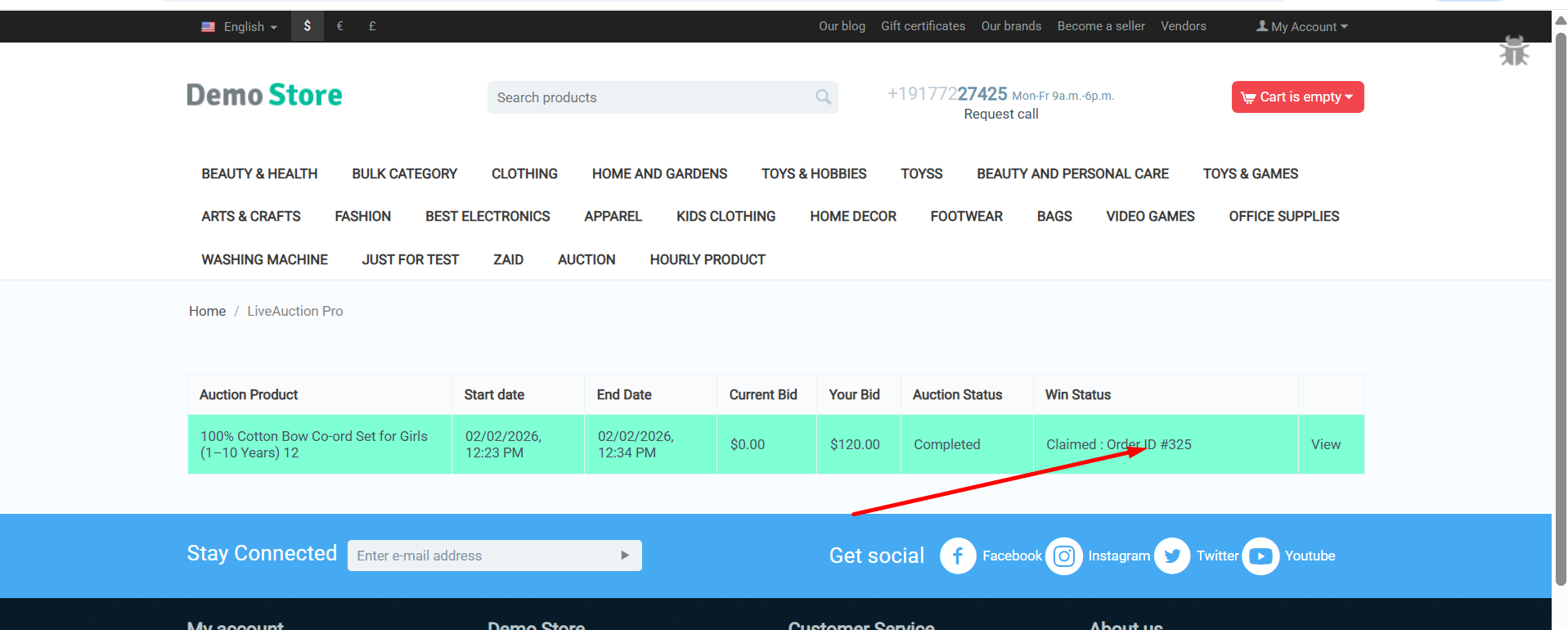
Step 4: Customer Auction Experience
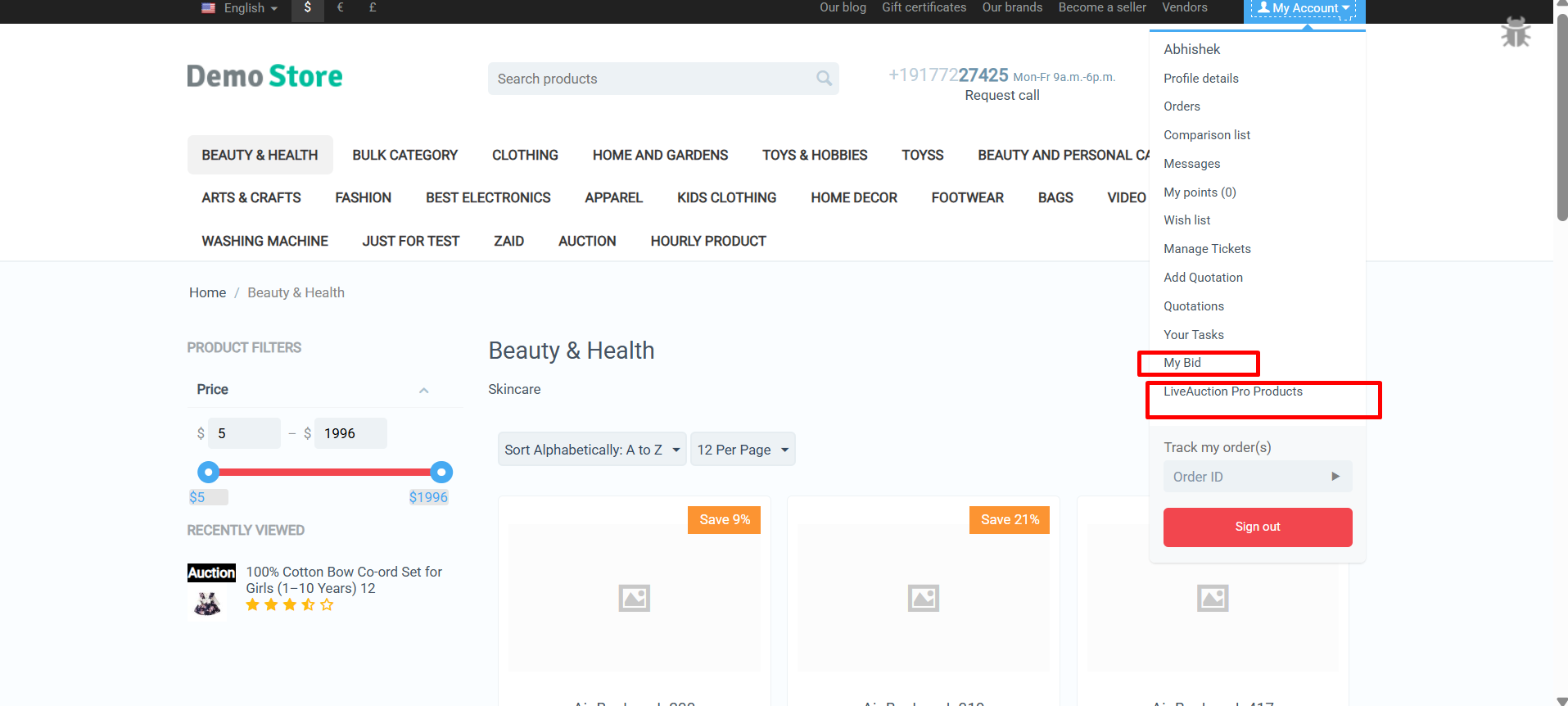
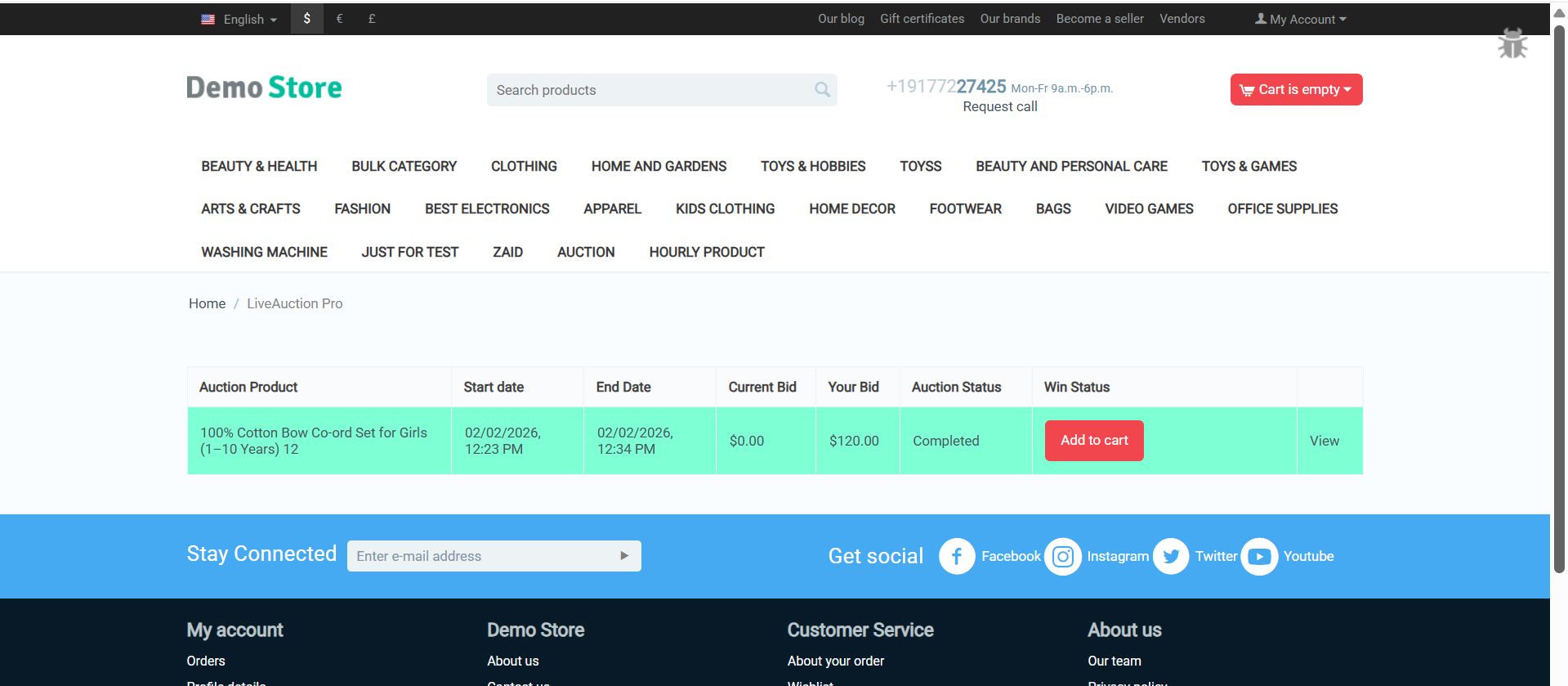
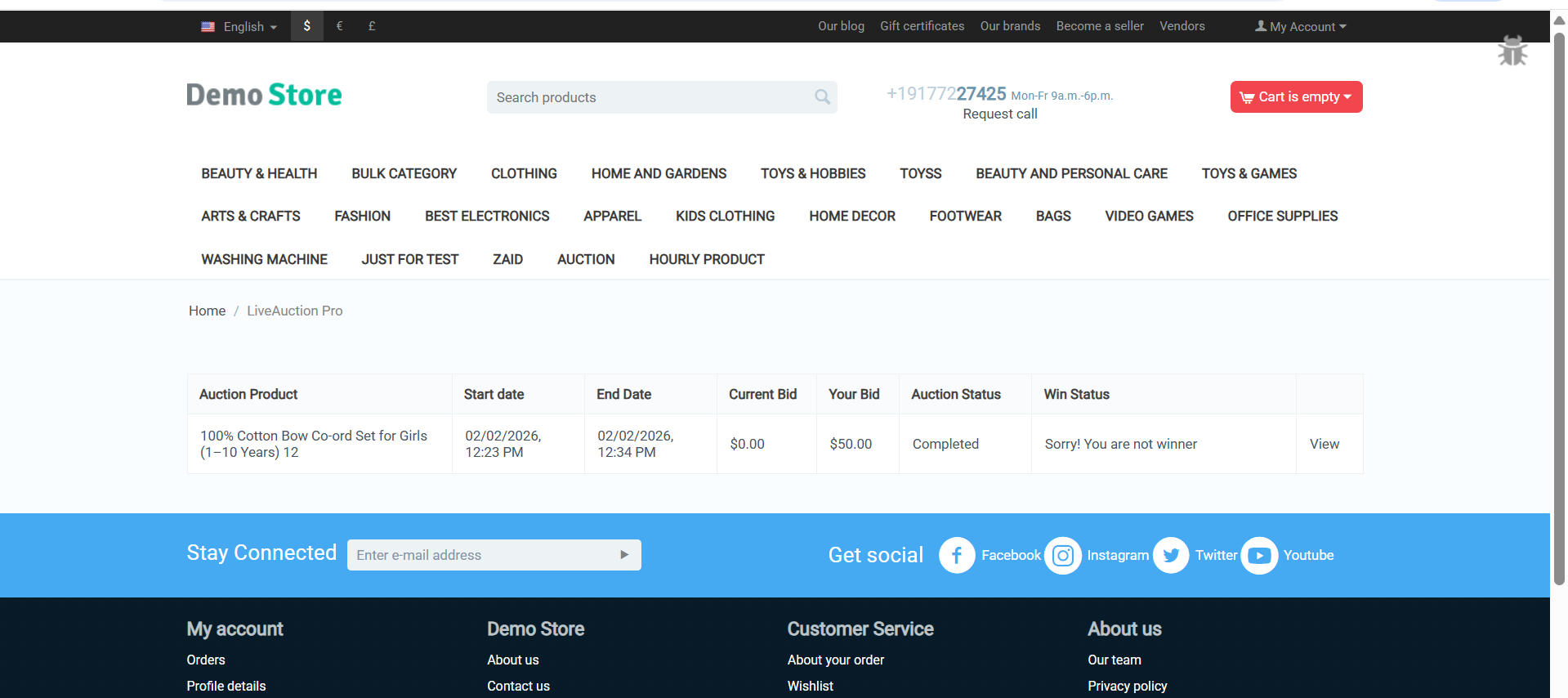
Your customers get an engaging, intuitive bidding interface:
Transform Your Store with LiveAuction Pro Excitement
The CS-Cart LiveAuction Pro Addon is ready to revolutionize how you sell products and engage customers. Create competitive excitement, drive higher prices through bidding wars, and build a loyal customer base that keeps coming back for your auction events.
Pro Tip: Start with high-value or limited-edition products to generate maximum buzz. Promote upcoming auctions through email and social media to build anticipation. Use reserve prices to protect your margins while letting the market determine final values. Monitor bid patterns to understand customer demand and optimize future auction strategies!
Ready to launch your first auction? Install the LiveAuction Pro addon today and watch customer engagement soar as they compete for your products in real-time!